design QA
Audit onboarding flows faster with built-in UX heuristics
Audit onboarding flows against heuristic guidelines in the browser. Catch usability issues before users churn.
Heurio Team
June 1, 202616 min read
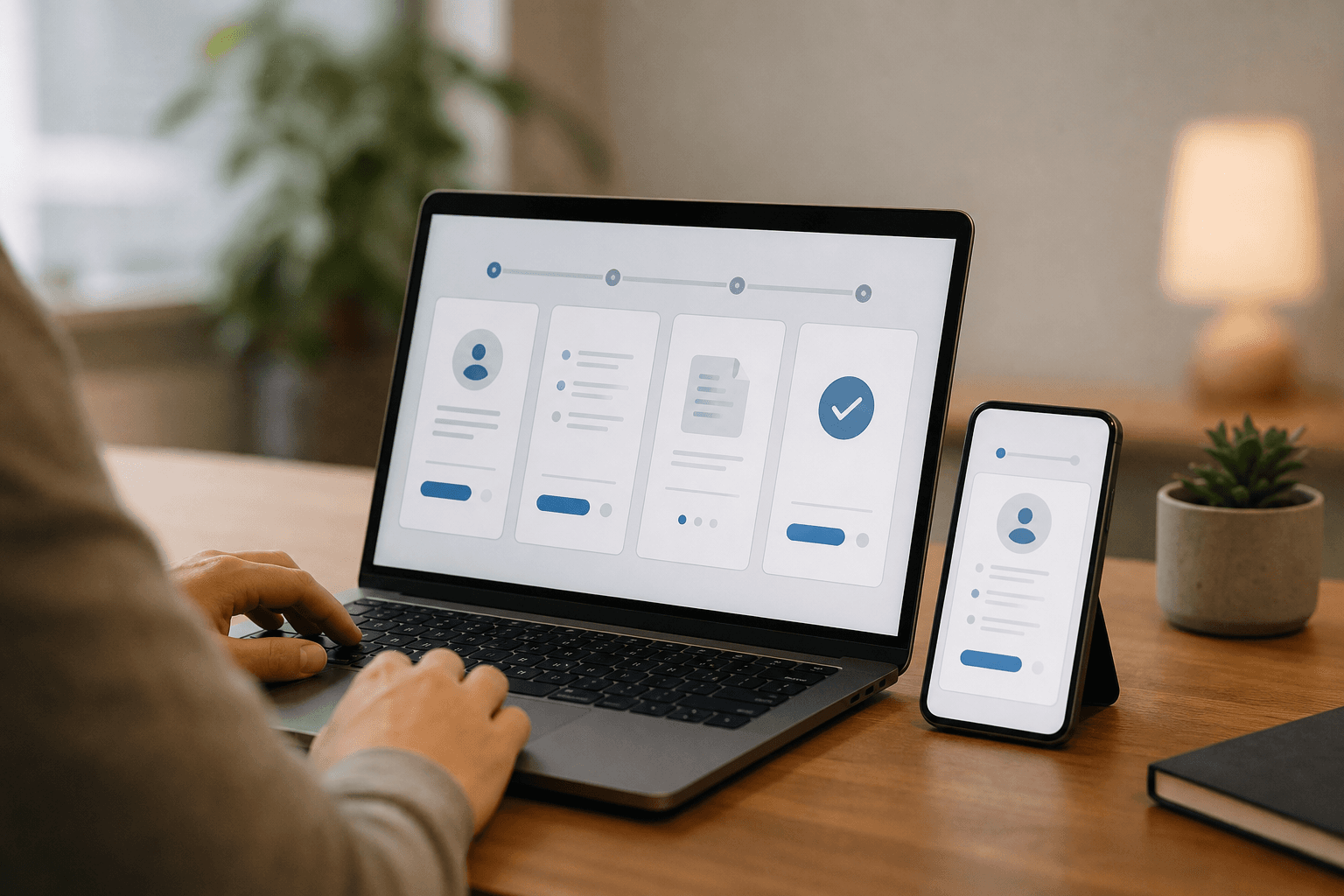
Most onboarding flows fail silently. Users drop off between step two and step three, and nobody on the team knows why. The signup page looked fine in Figma. The developer matched the mockup. Yet something about the real, rendered experience pushes people away.
An onboarding flow audit is a structured review of every screen, prompt, and interaction a new user encounters, evaluated against established usability principles to identify friction before it becomes churn.
The problem is that most teams audit onboarding with gut feelings. Someone clicks through the flow, says "this feels off," and files a vague ticket. That's not a review. That's a guess. Built-in UX heuristics give reviewers a shared language and a structured lens. They replace opinion with criteria. And they make the difference between catching a confusing tooltip and shipping it to ten thousand new users.
Onboarding flows need structured audits against heuristic guidelines, not gut-feel walkthroughs.
Built-in UX heuristics give every reviewer (designer, developer, PM) the same evaluation criteria during the review.
Running the audit in the browser catches context-dependent issues that static mockups miss entirely.
A five-screen onboarding audit using heuristics takes about 15 minutes and produces actionable, prioritized findings.
Vibe coding tools generate onboarding screens fast, which makes heuristic audits more urgent, not less.
- Onboarding flow
- The sequence of screens and interactions a new user encounters from signup through first meaningful action in a product.
- Heuristic evaluation
- A usability inspection method where reviewers judge an interface against a set of recognized design principles.
- Built-in UX heuristics
- Usability principles embedded directly into a review tool so reviewers can reference them without switching to external documents.
- Design QA
- The process of checking a built interface against its design specification and usability standards before release.
- In-browser UX review
- Evaluating a live or staged web page inside the actual browser rather than in a design file or screenshot.
Why onboarding flows break silently
Onboarding is where first impressions become retention decisions. Nielsen Norman Group's usability heuristics include "help and documentation" and "recognition rather than recall" as two of the ten core principles. Both are routinely violated in onboarding flows, and both violations are invisible in a Figma file.
Think about a three-step signup wizard. In Figma, it looks clean. Progress bar at the top, clear labels, a green button. But in the browser, the progress bar doesn't update on the second step because of a state bug. The label for "Company name" truncates on a 375px viewport. The green button sits below the fold on an iPhone SE.
These are not edge cases. They are the norm. The gap between the designed onboarding and the built onboarding is where users disappear. And you only find that gap by reviewing the actual rendered page.
The cost of skipping structured review
Without a framework, feedback is scattered. A PM says "the copy feels wordy." A designer says "the spacing is wrong." A developer asks "which spacing?" Nobody references the same standard. The ticket goes through two rounds of clarification before anyone writes a line of code.
This is the problem built-in UX heuristics solve. When every reviewer references the same set of principles during the audit, feedback becomes consistent and actionable. Heuristic evaluation gives you a shared vocabulary. "This violates error prevention" is clearer than "this feels confusing."
What design QA tools that have built-in UX heuristics change about onboarding audits
Most teams know about Nielsen's 10 heuristics, Dieter Rams's 10 principles, or Shneiderman's 8 golden rules. The issue isn't awareness. It's access at the moment of review.
If a reviewer has to open a separate tab, find the right heuristic, copy the name, and paste it into a comment, they won't do it. They'll default to "this looks off" and move on. That's not laziness. That's friction winning.
Built-in UX heuristics put the guidelines inside the review tool itself. When you click on an element to leave feedback, the relevant principles are right there. You tag your note with a specific heuristic. The note automatically carries that context: which principle was violated, on which element, at which URL, with a screenshot attached.
From opinion to criteria
Here's a real example. You're reviewing an onboarding form that asks for a phone number but doesn't specify the expected format. Without heuristics, someone might say "add a placeholder." With heuristics, the note says: "Violates 'help users recognize, diagnose, and recover from errors.' No format hint means users will guess, fail validation, and get frustrated." That second note gets prioritized. The first one gets ignored in a backlog of 200 tickets.
We've found in our own QA workflow that tagging feedback with a specific heuristic cuts developer back-and-forth by roughly half. The developer doesn't need to ask "what exactly is wrong?" The principle tells them.
In-browser UX review catches what Figma misses
Onboarding flows are dynamic. They involve transitions, state changes, conditional logic, loading states, and responsive behavior. None of those exist in a static design file. An in-browser UX review evaluates the actual experience a user will have.
Consider autofill behavior. On a signup form, the browser may autofill the email field but not the password field. This creates a visual mismatch: one field has a yellow background from Chrome's autofill styling, the other is white. In Figma, both fields are identical. In the browser, the inconsistency is distracting.
Or consider tab order. A keyboard user pressing Tab through your onboarding form might land on a hidden "Skip" link before reaching the "Next" button. WCAG 2.2's focus visible criterion requires that focus indicators are always visible, but more broadly, the tab order needs to make sense. You can't test tab order in Figma.
Responsive behavior in onboarding
Onboarding flows are often designed desktop-first. The team reviews on a 1440px screen and ships. Then 60% of new signups happen on mobile. The "Next" button is clipped. The terms-of-service checkbox is too small to tap. Google recommends a minimum tap target of 48x48 CSS pixels, and onboarding forms violate this constantly.
Running the audit in the browser, on an actual device (or at minimum with responsive DevTools open), catches these issues before they reach real users. This is where a design feedback workflow that lives in the browser pays for itself.
A five-screen onboarding audit using built-in UX heuristics
Here's the process we recommend for auditing a standard onboarding flow. This works for any product with a multi-step signup or setup wizard.
Map the screens. List every screen in the onboarding flow, including edge cases like error states, empty states, and email verification pages. Most teams forget these exist until a user hits one.
Pick your heuristic set. Choose one framework to evaluate against. Nielsen's 10 usability heuristics work well for general onboarding. For flows with heavy visual design, add Dieter Rams's principles. For complex multi-step forms, Shneiderman's golden rules cover "reversal of actions" and "closure," which matter a lot in wizards.
Walk through each screen in the browser. Open the live or staging URL. Go through the flow as a new user would. On each screen, review against each heuristic. Click on the specific element that violates a principle and leave a note with the heuristic name and a short description of the violation.
Check edge states. What happens when you submit an empty form? What shows when the server is slow? What does the user see after clicking the back button on step three? These transitions are where heuristics like "error prevention" and "user control and freedom" reveal their value.
Prioritize and assign. Group findings by severity. A missing error message on a required field is critical. A slightly inconsistent button radius is cosmetic. Use Nielsen's severity rating scale to rank issues from 0 (not a usability problem) to 4 (usability catastrophe).
This process takes roughly 15 minutes for a five-screen flow. It produces a list of findings, each tied to a specific element, a specific heuristic, and a severity rating. That's a backlog a developer can actually work from.
Capture UX issues without leaving the browser
Heurio attaches contextual notes and screenshots to any element on any page, with built-in heuristics that guide the review. Designers, developers, and vibe coders all use the same workflow.
Install the Heurio Chrome extension
Vibe coding makes onboarding audits more urgent
Tools like Lovable, v0, and Bolt can generate a complete onboarding flow from a prompt. "Create a three-step signup form with email, password, and company name" produces something that looks polished in under a minute. But "looks polished" and "works well for users" are different things.
AI-generated onboarding flows share predictable problems. Labels are generic. Error messages are vague ("Invalid input" instead of "Password must be at least 8 characters"). Progress indicators may not match the actual number of steps. And the flow often lacks any mechanism for going backward.
This is where built-in UX heuristics become essential for vibe coding workflows. The AI generated the UI. A human needs to verify it against real usability criteria. Without heuristics, the reviewer is guessing which issues matter. With heuristics, they have a checklist that has been validated across decades of UX research.
V0 visual feedback on generated onboarding
When you generate a signup flow in v0 and deploy it to a preview URL, the review needs to happen on that URL, not back in the prompt interface. You need to test the form in an actual browser, on an actual screen size, with actual keyboard navigation. This is where v0 visual feedback meets heuristic evaluation. You click on the element, tag the heuristic, and the developer (or the AI tool) gets a precise, contextual report.
Heurio recommends running a heuristic audit on every AI-generated onboarding flow before it goes live, because AI tools optimize for visual completeness, not usability completeness. They will produce a form that has all the right fields and none of the right guardrails.
Common heuristic violations in onboarding flows
After running dozens of onboarding audits, certain patterns emerge. Here are the violations we see most frequently, mapped to specific heuristics.
No clear system status
Nielsen's first heuristic: "Visibility of system status." Many onboarding flows lack a progress indicator. The user doesn't know if they're on step 2 of 3 or step 2 of 7. Others show a progress bar that doesn't update correctly. In the browser, this is immediately obvious. In Figma, every screen showed the correct state because each frame was manually set.
Irreversible steps
Shneiderman's golden rule on "reversal of actions" gets violated constantly in onboarding wizards. Users click "Next," realize they made a mistake, and find there's no "Back" button. Or the "Back" button exists but clears the form data on the previous step. Both scenarios are invisible in a design file. Both are deal-breakers in a live flow.
Poor error messages
Nielsen Norman Group's error message guidelines emphasize that errors should be expressed in plain language, precisely indicate the problem, and constructively suggest a solution. Most onboarding forms fail all three criteria. "Invalid email" doesn't tell the user whether they forgot the @ symbol or typed a space. "Password too weak" doesn't say what "strong" means.
Contrast and readability issues
Helper text under form fields often fails WCAG 2.2 AA contrast minimums. Light gray text on a white background is a classic onboarding sin. It looks subtle and elegant in a design tool. In the browser, under fluorescent office lighting or on a low-brightness phone screen, it's unreadable.
Missing closure
Shneiderman's rule on "designing dialogues to yield closure" applies directly. After the user finishes onboarding, what happens? A blank dashboard? A confusing "Welcome" screen with no clear next action? The final screen of onboarding is often the most neglected, and it's the screen that determines whether the user actually starts using the product.
Who should run the onboarding audit
We get asked this a lot. The answer: more than one person, and ideally people with different roles.
Nielsen Norman Group's research on heuristic evaluations shows that a single evaluator finds only about 35% of usability issues. Three to five evaluators catch the majority. You don't need a dedicated UX researcher for every audit. A designer, a developer, and a PM can cover an onboarding flow in 15 minutes each and surface very different findings.
Designers tend to catch visual inconsistencies and layout issues. Developers find state bugs and interaction failures. PMs notice confusing copy and missing context. When all three use the same heuristic framework, their findings align without a reconciliation meeting.
Running the audit asynchronously
You don't need to schedule a meeting. Each reviewer opens the staging URL, walks through the onboarding flow, and leaves notes on the elements that violate a heuristic. The notes carry the URL, a screenshot, the selected element, and the heuristic tag. When the developer opens the list of findings, everything is there. No Slack thread archaeology required.
We built Heurio specifically for this kind of workflow. The built-in heuristics from Nielsen, Rams, and Shneiderman are surfaced during the review. Click an element, pick the principle it violates, type a short note, and move on. The screenshot and URL are captured automatically. Three reviewers can audit the same flow independently, and the findings show up in one place with enough context to act on immediately.
A design feedback workflow for onboarding iteration
An audit is only useful if the findings lead to changes. Here's how to close the loop.
After the audit, group findings by screen and severity. Critical issues (users can't proceed, data is lost, required field has no error message) go into the current sprint. Major issues (confusing flow, poor labeling, broken progress indicator) go into the next sprint. Cosmetic issues (slightly inconsistent padding, off-brand color) go into a backlog grooming session.
Each finding should be specific enough for a developer to reproduce. "The email field on /signup shows no error when submitted empty. Heuristic: error prevention. Expected: inline error message appears immediately. Actual: form submits silently and reloads." That's a ticket a developer can close in 20 minutes. Compare that to "signup form has issues," which takes 20 minutes just to triage.
Re-audit after fixes
Once the fixes ship, run the same audit again. This sounds tedious, but it takes a fraction of the time because you're only checking the specific elements that were flagged. This is the design QA loop at its tightest: flag, fix, verify. No meeting required.
For teams using AI design tools, this loop is especially tight. You can feed the heuristic finding back into the AI tool as a prompt refinement. "The onboarding form at step 2 violates error prevention. Add inline validation for email format before form submission." The AI regenerates. You re-audit. The cycle time from finding to fix can be under five minutes.
Comparing onboarding review approaches
Approach | Context captured | Heuristic guidance | Best for |
|---|---|---|---|
Figma comments | Static frames only, no real states or transitions | None unless manually added | Pre-build design review |
Spreadsheet evaluation | Written descriptions, no visual evidence | External reference document | Academic-style audits with detailed scoring |
In-browser review with built-in UX heuristics | Live page with screenshot, URL, element, and metadata | Integrated into the review flow | Post-build QA on staging or production |
User testing | Video recordings and verbal protocols | Task-based, not principle-based | Validating whether real users complete the flow |
Heurio recommends combining in-browser heuristic review with lightweight user testing. The heuristic audit catches principle violations quickly. User testing catches the problems that no principle predicts, like users ignoring a prominent button because they don't understand what it does. Together, they cover the full spectrum.
Built-in UX heuristics make onboarding audits repeatable
The biggest benefit of baking heuristics into the review tool is repeatability. When the heuristics are always there, the audit becomes a habit, not a heroic effort. Any team member can run it. New hires learn the principles by using them, not by reading a 40-page PDF.
This matters for onboarding flows in particular because they change frequently. Marketing tests new signup copy. Product adds a new onboarding step. Engineering swaps the form library. Each change can introduce new heuristic violations. If the audit takes 15 minutes and requires no setup, teams actually do it. If it requires scheduling a meeting and assembling a spreadsheet, it gets skipped.
We've seen teams catch critical onboarding issues within hours of a deploy, simply because someone ran a quick heuristic pass on the staging URL before the release went live. That's not heroism. That's a workflow that removed enough friction to make review the default.
Onboarding is where your product makes its first promise to a new user. Built-in UX heuristics are how you make sure that promise holds up in the browser, on every screen, at every viewport, every time you ship.
Frequently asked questions
What are built-in UX heuristics and how do they help onboarding audits?
Built-in UX heuristics are usability principles (like Nielsen's 10 heuristics or Shneiderman's golden rules) embedded directly in a review tool. They guide the reviewer during the audit so every note references a specific, recognized principle instead of subjective opinion. This makes findings clearer and more actionable for developers.
How long does an onboarding flow audit take with built-in UX heuristics?
A five-screen onboarding flow typically takes about 15 minutes per reviewer. Three reviewers working independently can complete the audit in under an hour total, including overlap and deduplication. The built-in heuristics remove lookup time, which is the biggest source of delay in traditional spreadsheet-based evaluations.
Can I use built-in UX heuristics on AI-generated onboarding flows?
Yes, and we'd argue it's essential. AI tools like Lovable, v0, and Bolt generate onboarding screens that look complete but often miss usability fundamentals: unclear error messages, missing progress indicators, and irreversible steps. A heuristic audit on the deployed preview URL catches these issues before real users encounter them.
Which heuristic framework works best for onboarding flows?
Nielsen's 10 usability heuristics cover the broadest range of onboarding issues. If your flow involves a multi-step wizard, add Shneiderman's golden rules for their focus on reversal of actions and closure. For design-heavy onboarding experiences, Dieter Rams's principles help evaluate visual clarity and honesty.
Do I need a UX researcher to run an onboarding heuristic audit?
No. Designers, developers, and product managers all bring unique perspectives to the audit. Nielsen Norman Group's research shows that three to five evaluators catch the majority of issues. The heuristic framework provides the structure, so each reviewer doesn't need formal UX training to contribute useful findings.
How often should I audit my onboarding flow?
Run a heuristic audit after every significant change to the onboarding flow: new steps, updated copy, swapped form libraries, or redesigned layouts. For products iterating quickly, a weekly or bi-weekly audit keeps issues from accumulating. The goal is to make the audit routine, not a special event.
Keep reading

Heurio for developers who run weekly heuristic reviews
Turn heuristic evaluation into a weekly developer habit with Heurio's built-in usability guidelines and browser-based review flow.

How to conduct a heuristic evaluation with a design QA tool
A step-by-step guide to running structured heuristic evaluations using a browser-based design QA tool.

How to pick a UX feedback tool that fits real workflows
What to look for in a UX feedback tool and why built-in heuristics change everything about design review quality.