
Great for UX research collaboration. Really clear and simple tool to use. I recommend it.

Niels De Schryver
Heurio for UX/UI Designers
Perfect for heuristic evaluation & development review.
 Smooth collaboration with developersHeuristic evaluationHeatmap of prioritized comments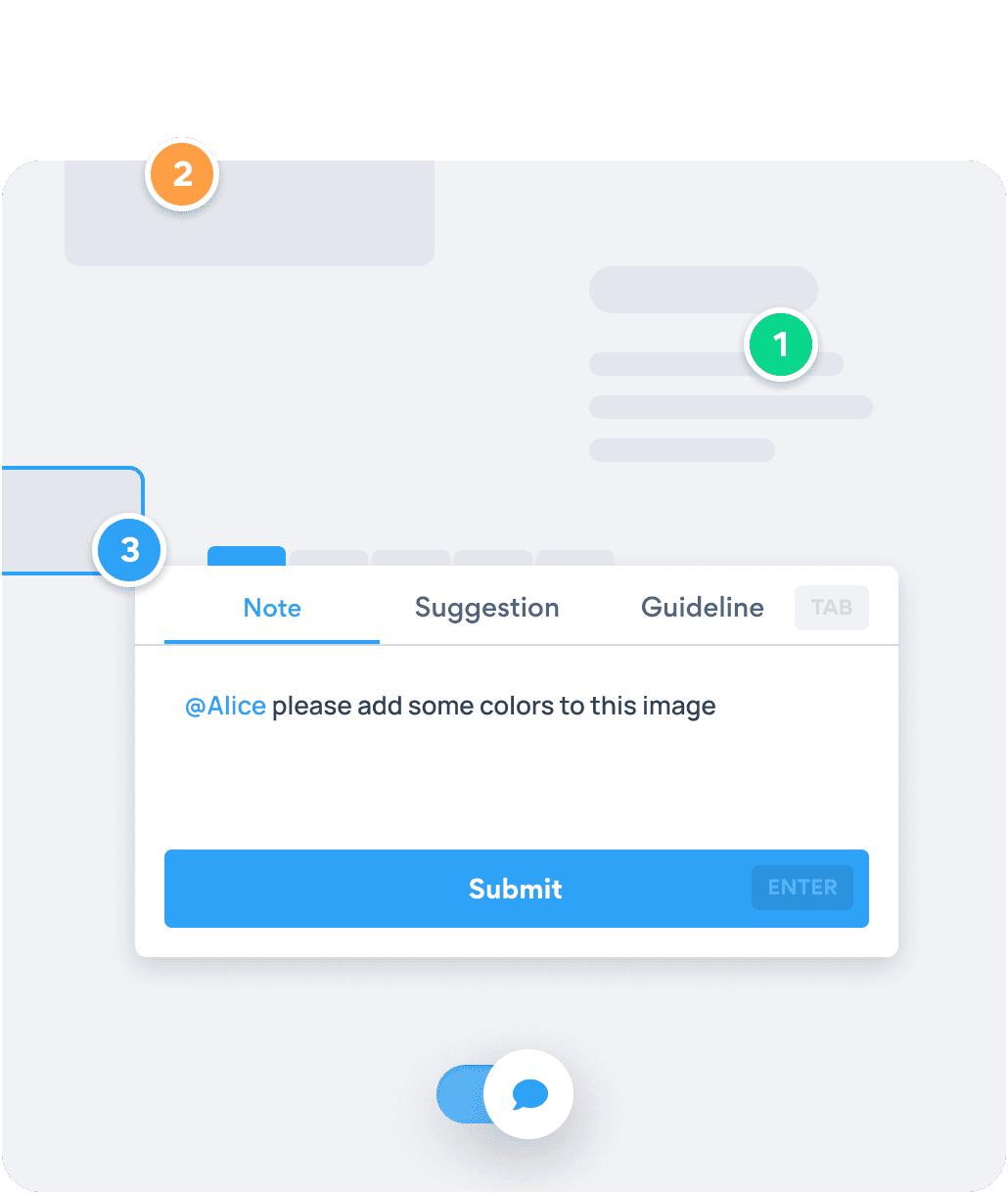
Highlight design and UX related issues in the way you're familiar with. Switch to Comment View and place your comments — as you would in Figma, Sketch, Invision...
Get started - It's free →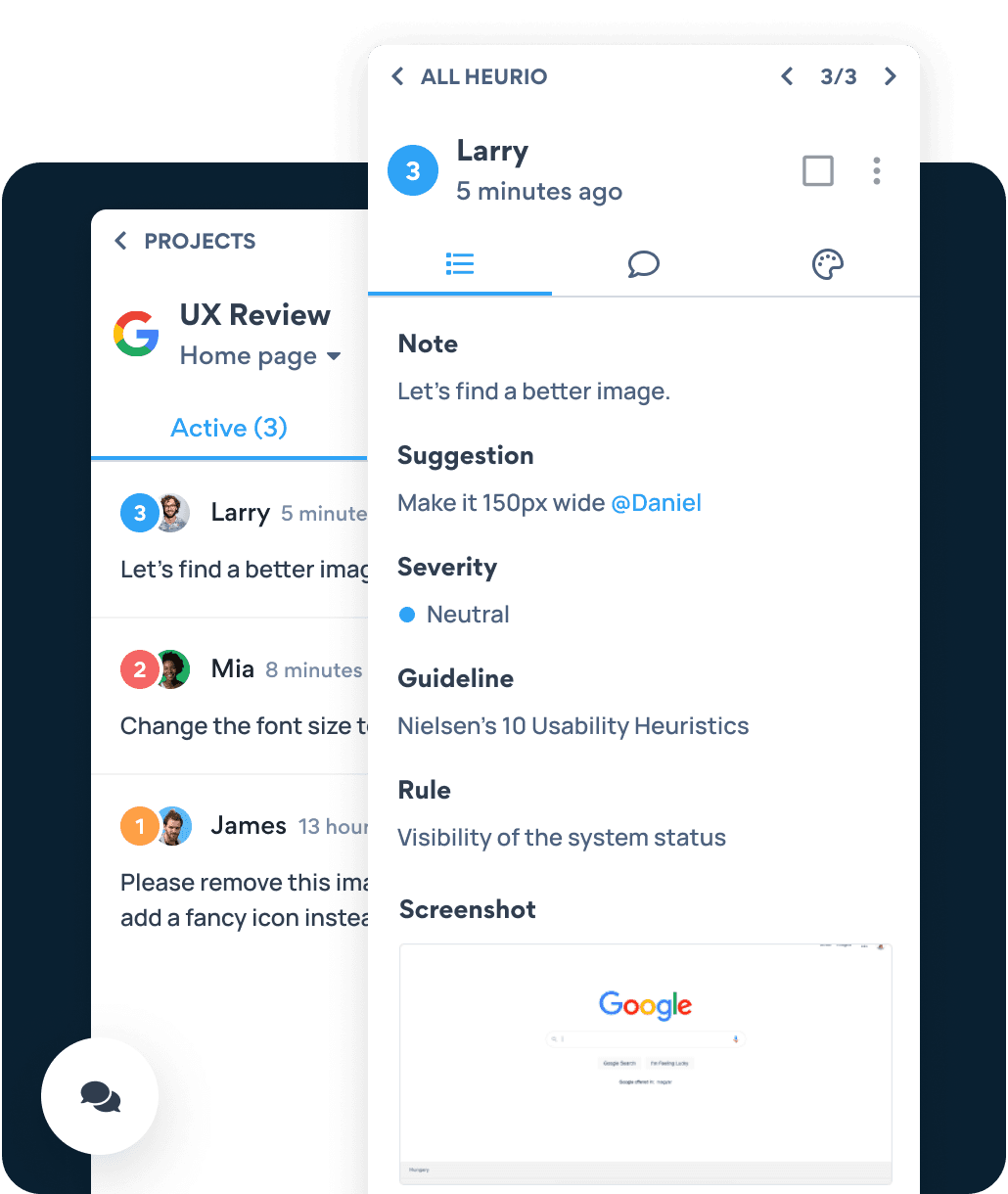
Heurio suits your whole team. Always get design or copy related feedback on time. Heurio makes your comments accurate, organized, and prioritized.
Get started - It's free →
Forget going to a third-party website, or creating multiple project documents! Just place your comments directly where they belong.

Heurio makes the collaboration between UX Researchers, UX/UI Designers, and the client seamless and productive.

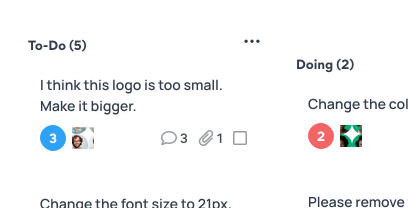
Keep your to-do list clean and transparent! Hide resolved comments to focus on your next tasks.
Six-step process
Six steps designers can use after a developer ships a build, replacing annotated screenshots and back-and-forth Slack threads with one shared URL.
Navigate to the staging URL where developers shipped the build of your design. Heurio works directly on the live page — no need to import a Figma file or annotate a screenshot.
Click the Heurio toolbar icon and toggle Comment View. The page becomes annotatable like a Figma frame, so you can pin design notes where they actually belong.
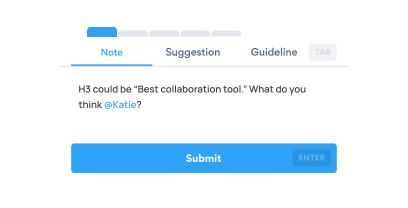
Click the exact element that doesn't match your design — wrong padding, off-brand color, missing hover state, broken alignment — and write a clear note. Add a suggestion the developer can act on (e.g. "set padding to 16px, not 12px").
Set each heurio's severity (Neutral → Critical) so the dev team knows what to ship first. Use @mentions to assign the comment to the developer who owns that component.
Send one URL. Developers open the same staging page with Heurio installed and see every pinned comment in context — no JIRA description, no annotated screenshot, no "see Slack thread."
Mark heurios as resolved as the dev team pushes fixes. Re-run the same review on the next deploy to confirm everything is in place.
Great for UX research collaboration. Really clear and simple tool to use. I recommend it.
Niels De Schryver
Great easy to use extension for UX analysis on any website!

Charlie Penwarden
We use cookies to run this site and, with your permission, to understand how it's used and show relevant ads. Necessary cookies are always on. You can change your choice anytime from the footer. Learn more