
I really like the overall experience of this tool. It's very easy to use and also you can save a lot of time make and leave any kind of UX analysis and collaboration for a website/application. Highly recommended.

Vasilis Baimas
 ×
×
Heurio for v0
v0 ships prototypes fast. Heurio lets your team pin comments on the live deploy — and feed the list back to v0.
Why Heurio
Pin a comment on the exact element of your v0 deployment
Collaborate with your team without a v0 account
Keep every issue on track with a built-in Kanban board
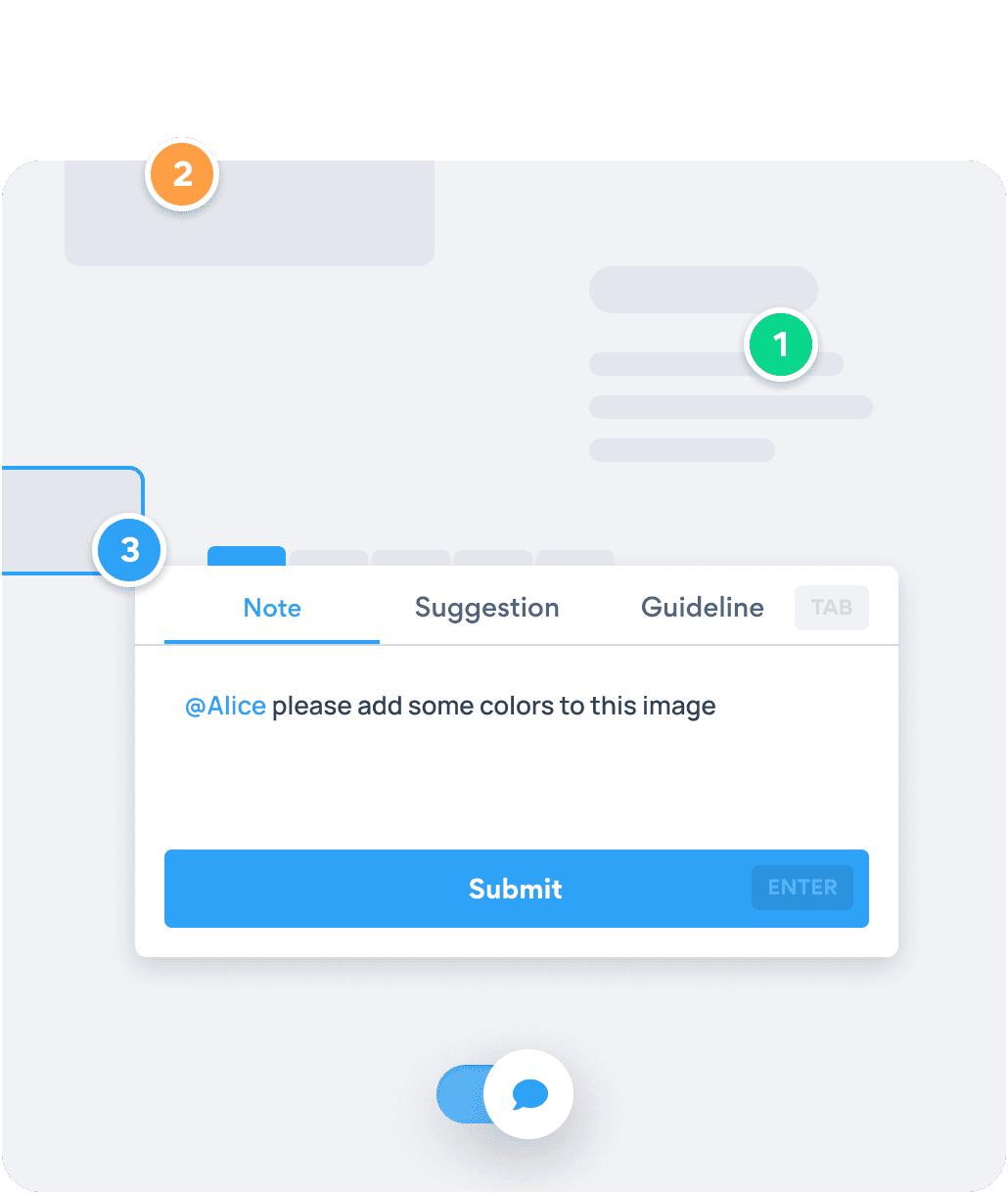
Click the element that's wrong on your v0 deploy. Heurio attaches the viewport, browser version, and DOM path automatically — the fix lands on the exact node, not "somewhere on the left."
Get started - It's free →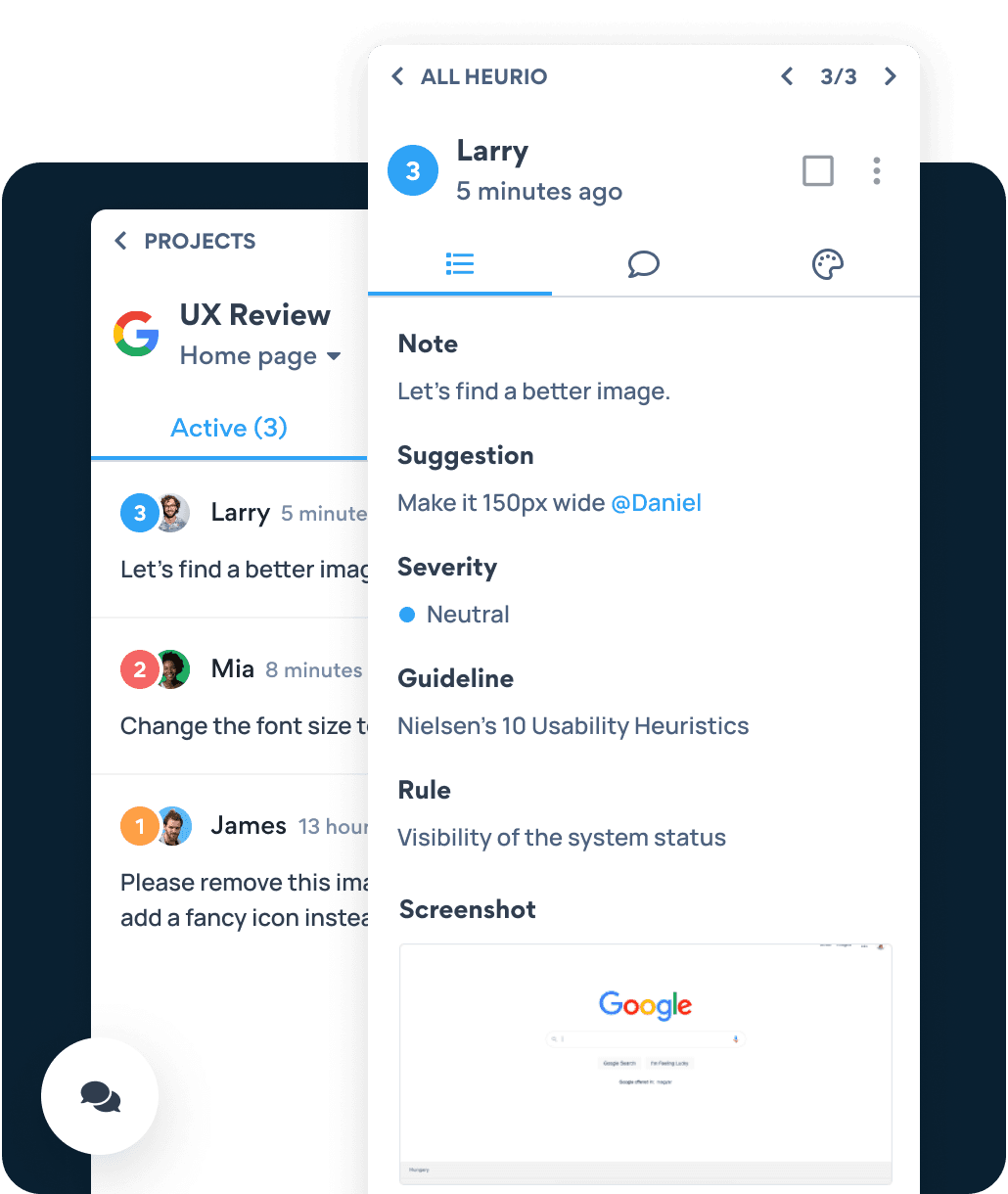
Designers, PMs, and stakeholders open the same v0 URL with Heurio and see every comment in context. Replace Slack threads and Loom links with one source of truth.
Get started - It's free →Heurio is a Chrome extension. It runs on v0 preview links, custom domains, and any live URL — no API connection needed.
Share one URL. Reviewers install the Chrome extension and leave feedback in context — they never need a v0 account, and you don't lose them to a signup form.
After v0 ships an update, mark resolved comments and capture what still needs attention. The loop tightens with every redeploy.
Six-step process
Six steps to collect structured feedback on a freshly deployed v0 prototype — without screenshots, Loom recordings, or Slack thread archaeology.
Use the v0 preview link or custom domain — Heurio runs on whatever URL is live.
Click the Heurio toolbar icon. The v0 page becomes annotatable, like a Figma file.
Click the exact element that's off and write a clear, action-oriented note. Add a suggestion or screenshot reference if helpful.
One URL. Reviewers open the v0 page with Heurio and see every comment in context.
Use Heurio's organized comment list as your next v0 prompt — fix issues in batches instead of one at a time.
Mark resolved comments and flag anything still broken. Lock the loop until the prototype is ready for the next stage.
I really like the overall experience of this tool. It's very easy to use and also you can save a lot of time make and leave any kind of UX analysis and collaboration for a website/application. Highly recommended.
Vasilis Baimas
This tool is amazing & easy to use, got everything designers needed for the website review especially the heuristic evaluation option. Highly recommended!

Asif b
One Chrome extension. Any AI builder’s output. Comment on the live URL like a Figma file.
We use cookies to run this site and, with your permission, to understand how it's used and show relevant ads. Necessary cookies are always on. You can change your choice anytime from the footer. Learn more