
Heurio for every team
One website review tool for designers, developers, marketers, and product managers — pick your use case below.
Five-step process
How to leave visual feedback on a live website
Five steps from install to handoff. Works on any URL — staging, production, a competitor, even a localhost preview.
Install the Heurio Chrome extension
Add Heurio to Chrome (or Edge, Brave, Arc, Opera). No code change is needed on the website you want to review — Heurio overlays comments locally in the reviewer's browser.
Open the website you want to give feedback on
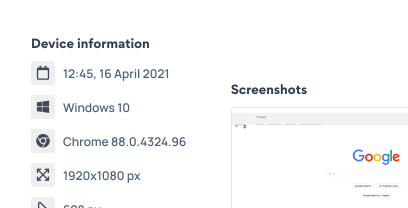
Navigate to any URL — staging, production, a competitor, even a localhost preview. Click the Heurio toolbar icon to start a project on that page.
Click anywhere on the page to pin a comment
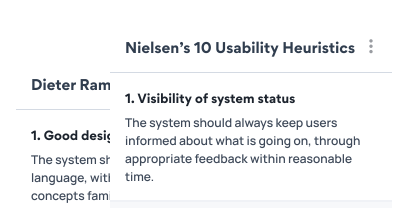
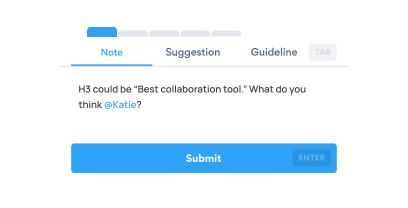
Each click drops a heurio: a colored marker tied to that exact element. Write your note, add a suggestion, set a severity (Neutral → Critical), and optionally tag a usability heuristic.
Invite teammates to the project
Share the project link with designers, developers, marketers, or clients. They open the same URL with Heurio installed and see every comment in place — no screenshots, no Loom, no external doc.
Resolve, export, or hand off
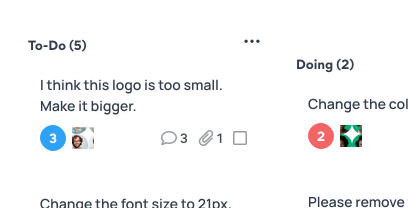
Mark heurios as resolved as fixes ship, export the list as a Kanban board or PDF report, or sync it to your tracker for the development team.