
I've been using Heurio for my web projects and it's saved me hours of time! It's really awesome.

Dominik Lako
 ×
×
Heurio for Bolt.new
Bolt deploys instantly. Heurio is the review layer — Figma-style comments and bug reports on the live URL.
Why Heurio
Pin a comment on the exact element of your Bolt site
Collaborate with your team without a Bolt account
Keep every issue on track with a built-in Kanban board
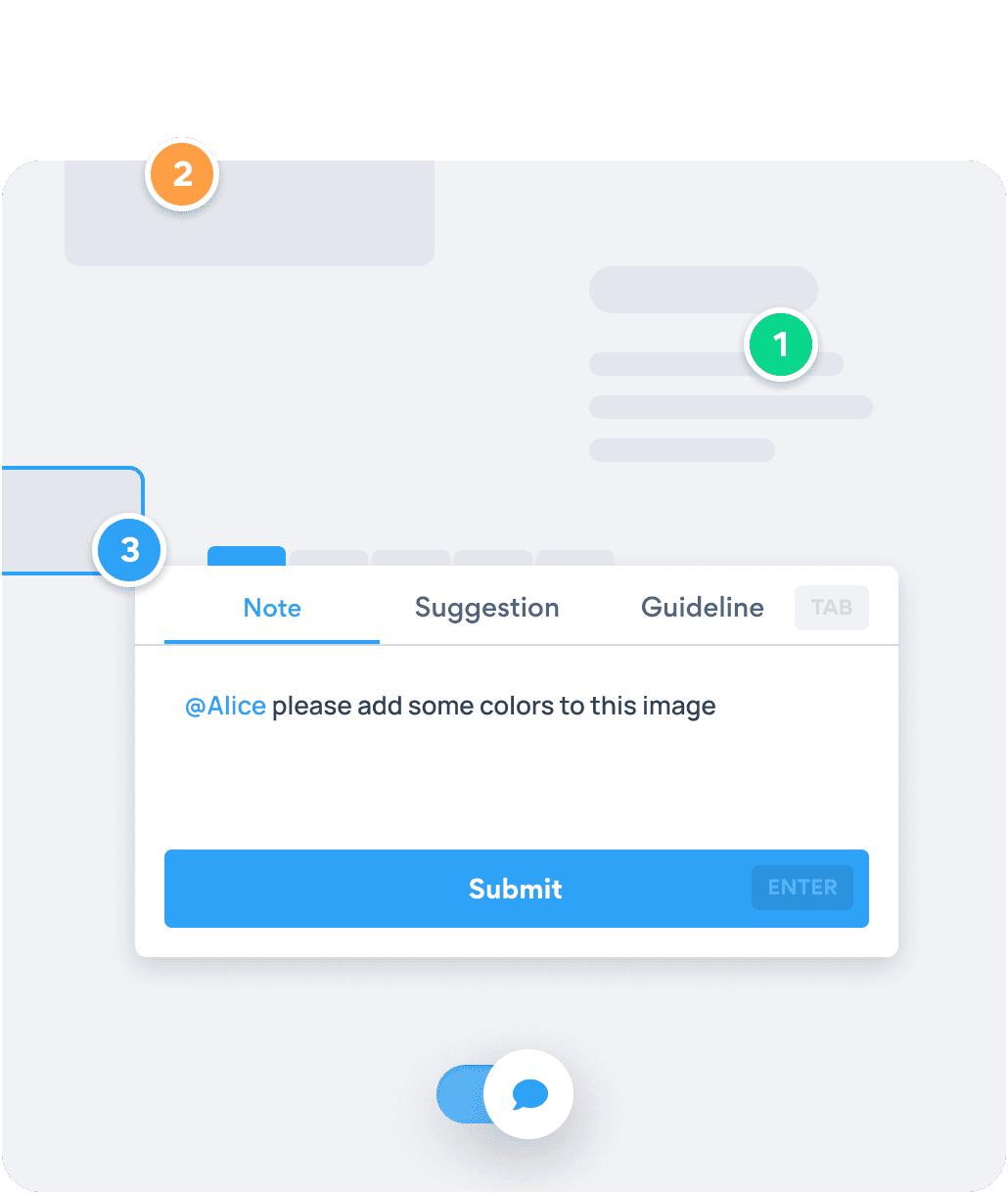
Click the element that's off on the Bolt deployment. Heurio captures the viewport, browser version, and DOM selector so the fix lands on the right line — not the section above it.
Get started - It's free →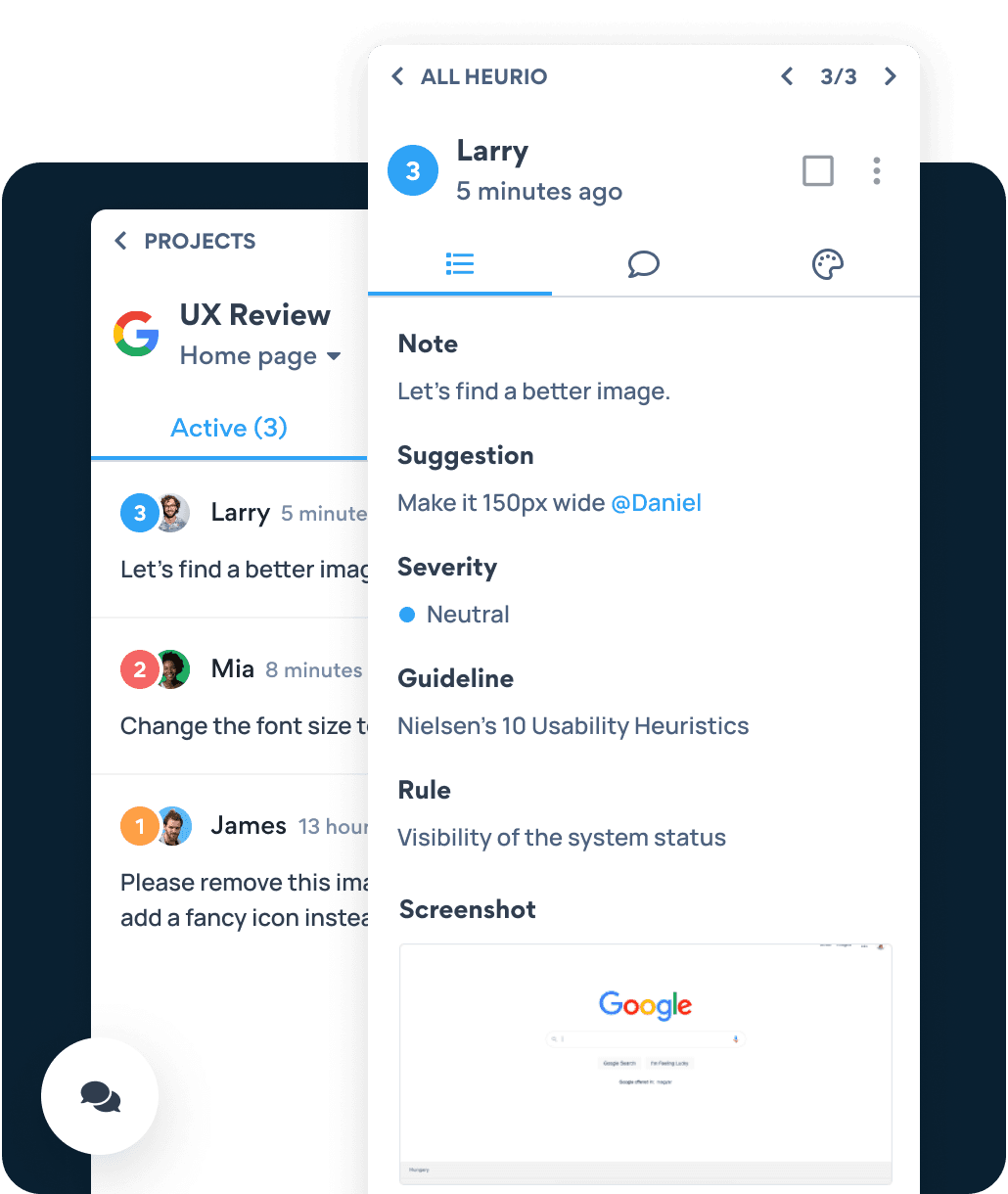
Replace voice memos and screenshot back-and-forths with one URL your team reviews together. Comments flow into a Kanban so triage is easy.
Get started - It's free →Bolt.new ships to a live URL — Heurio works there. No SDK install, no API connection. Just the Chrome extension.
Send one URL. Reviewers install the Chrome extension and leave feedback in context — they never need a Bolt account, and you don't lose them to a signup form.
Use Heurio's comment list as your next Bolt prompt. Fix issues in one round instead of stepping through each one.
Six-step process
Six steps to turn a freshly built Bolt.new app into a structured review session — using Heurio's Chrome extension on the live URL.
Bolt preview, staging, or production — Heurio runs on whatever URL Chrome can open.
Click the Heurio toolbar icon. The Bolt page becomes annotatable like a Figma frame.
Click the exact element that's off, write a clear note, tag severity if needed. Heurio captures the technical context automatically.
Send one link. Reviewers open the Bolt page with Heurio installed and see every pinned comment in context.
Copy Heurio's comment list directly into your next Bolt prompt. Fix issues in batches.
Mark resolved comments, flag what's still broken, and run the loop until the app is ready to ship.
I've been using Heurio for my web projects and it's saved me hours of time! It's really awesome.
Dominik Lako
Very fast progress can be achieved. Straight forward and user friendly interface.

Gergely Komives
One Chrome extension. Any AI builder’s output. Comment on the live URL like a Figma file.
We use cookies to run this site and, with your permission, to understand how it's used and show relevant ads. Necessary cookies are always on. You can change your choice anytime from the footer. Learn more